![airtouch-logo.png]](https://help.airtouch.net.au/hs-fs/hubfs/airtouch-logo.png?width=100&height=52&name=airtouch-logo.png)
- Open the app.
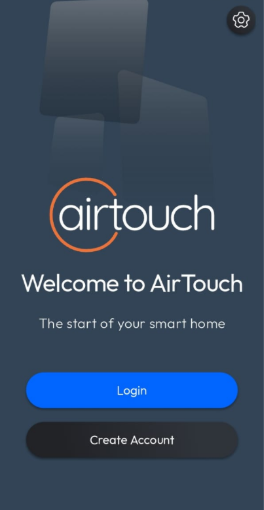
- Tap Create Account button.
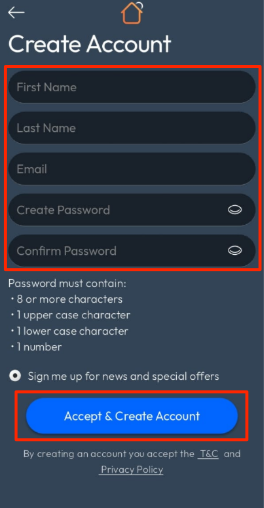
- Enter your First Name, Last Name, Email, Password, and Confirm Password.
- Tap Accept & Create Account button.
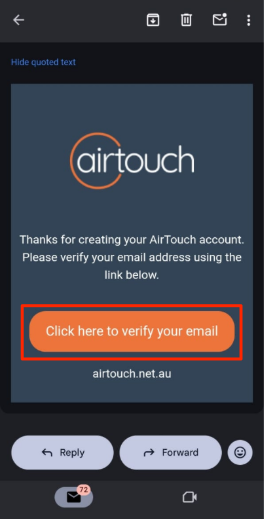
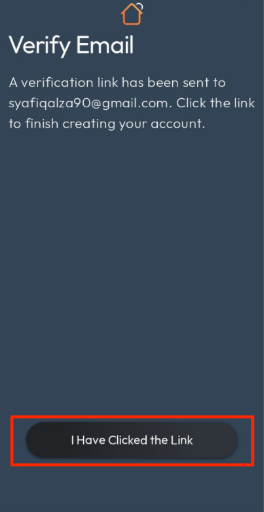
- The app will display a Verify Email screen and send a verification email to the address you provided.
- Open the email and tap the verification link.
- Return to the app and tap I Have Clicked the Link button.
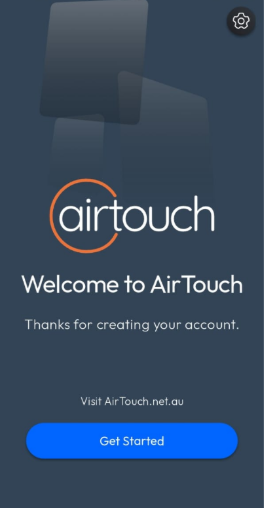
- The app will display a Welcome screen.