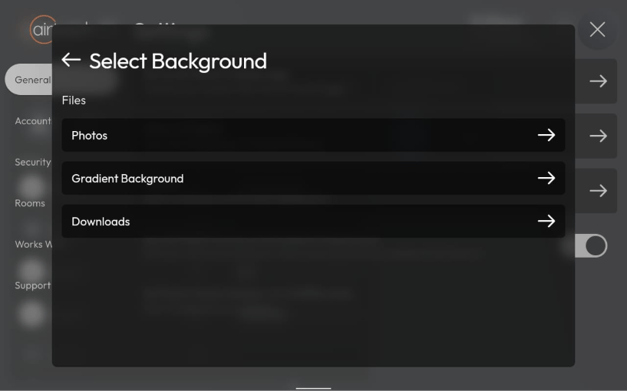
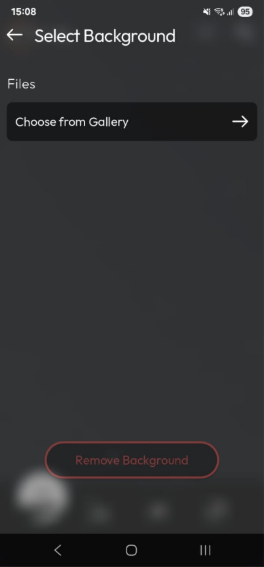
How to Change Your AirTouch Home Theme? Go to Settings > General. Tap on Theme. - For Console: choose from Photos, Gradient Background, or Downloads. - For the App: select photos from your Gallery (permission to access is required). Use the selected image as background.
![airtouch-logo.png]](https://help.airtouch.net.au/hs-fs/hubfs/airtouch-logo.png?width=100&height=52&name=airtouch-logo.png)