![airtouch-logo.png]](https://help.airtouch.net.au/hs-fs/hubfs/airtouch-logo.png?width=100&height=52&name=airtouch-logo.png)
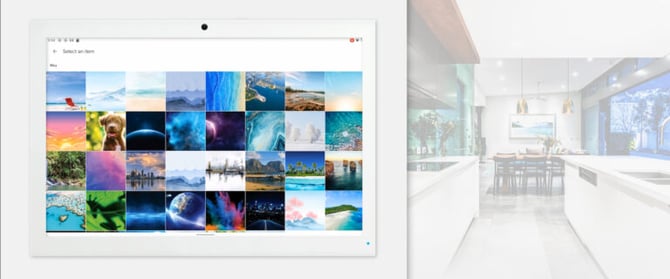
Make AirTouch Yours. Customize your AirTouch 5 controller to suit your home’s unique style by changing its theme.
AirTouch 5 allows you to personalize the look and feel of your smart controller so it complements your interior decor. Whether you prefer a modern, minimal design or something more personal, AirTouch 5 gives you the flexibility to choose from a range of built-in styles or even upload your own photos.
Steps to Change Your Theme on AirTouch 5
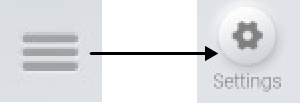
1: Open the Quick Menu and tap Setting button.
2: Select Options

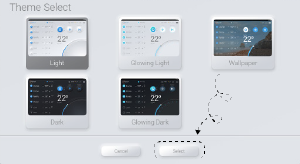
3: Select Theme

4: Select your desired theme then press Select